Choosing Website Photos That Feel Right For Your Business
10 Aug 20265 min read
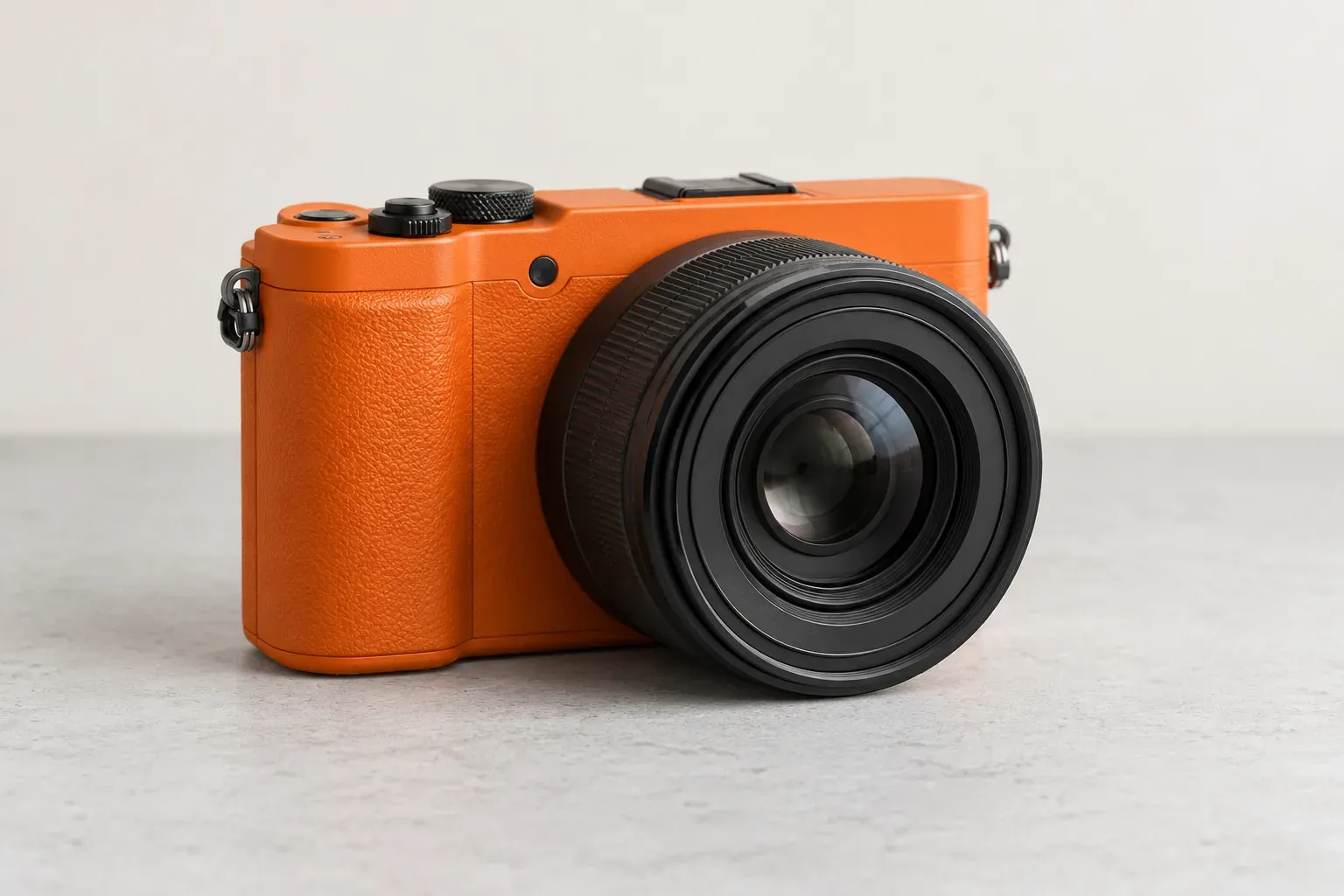
You have found a polished photograph of people in a meeting. It fits the space on your homepage. But does it tell a customer anything about your business?
A useful website photo does more than fill a gap. It might show the product someone is considering, the people they will meet or the place they are about to visit.
Original photography and stock images can both have a place. The choice depends on what the picture needs to explain.
Decide What The Customer Needs To See
Start with the page, not an image search.
A customer comparing furniture may need to see its finish, scale and details. Someone booking a venue may want to understand the entrance, seating and surroundings. A buyer choosing a service provider may want to see the team doing the work.
Write down the question the image should answer. Then choose a picture that helps answer it.
If the only reason for a photograph is that a page looks empty, consider whether a clearer heading, a diagram or more breathing room would do a better job.
Use Your Own Photos Where The Details Matter
Use current, accurate photographs when you are showing your team, premises, products or completed work.
These are not interchangeable with pictures of another business. A generic warehouse does not show your actual storage facilities. A stock meeting scene is not a photograph of your team.
You do not have to arrange an elaborate shoot for every update. A clear, well-lit photograph may be enough for a straightforward announcement. For important product pages or the main introduction to your business, plan the images with the designer so they suit the job.
Keep an eye on older photos too. A moved office, changed product or former team member can make a previously accurate image misleading.
Give Stock And Generated Images A Clear Role
Stock photography can help illustrate a general idea when showing a specific person, place or product is not necessary. It is not automatically a poor choice.
For example, a photograph of a notebook might accompany an article about planning. It would not prove that you ran a particular workshop.
Apply the same distinction to generated images. An illustration can explain an idea, but it should not masquerade as a photograph of your staff, a client project or an event that happened.
Check permission for the intended use before selecting an image. Keep its source and any relevant licence or approval records where your team can find them. If the usage terms are unclear, resolve that before publication rather than guessing.
Plan A Small, Useful Photo List
A photo brief can be short. Give the person taking the pictures a list of pages, the questions each picture should answer and the formats the design needs.
For a service business, a starting list might include:
- The team doing a real task, with permission from the people involved.
- A useful detail of the work or equipment.
- The premises, if customers visit.
- A completed project that the client has approved for use.
- A portrait or team photo for the About page.
These are suggestions, not a requirement to show everything. Leave out anything confidential or irrelevant.
Ask for both wider scenes and close details where they serve different purposes. If a heading will sit beside a picture, show that layout in the brief so the subject does not end up hidden behind the words.
Check The Photos Together, Then On A Phone
Lay your shortlisted photos beside one another. Look for a reasonably consistent treatment of lighting, backgrounds and cropping.
Consistency does not mean giving every image the same filter. Product colours should remain accurate, and a genuine workplace should still look like itself.
Then check the pictures in the actual page layout. A wide photograph may lose its useful detail in a narrow mobile crop. Text placed over an image may become difficult to read.
During website design, review the photos on ordinary service and project pages too, not only the homepage.
Make The Images Useful Beyond Their Appearance
Ask your web team to prepare appropriately sized, compressed versions rather than uploading every full-resolution original. Keep the originals separately for future use.
Google's image guidance recommends balancing image quality with loading speed and using descriptive filenames.
Give informative images useful alternative text. Describe what matters in that particular page context rather than adding a list of keywords.
W3C's image guidance distinguishes informative images from purely decorative ones. Decorative images generally need an empty text alternative, while an image used as a button needs a description of its action.
Your editor or developer can help apply that distinction. A short caption can also explain a project detail that would otherwise be unclear.
Leave The Team With An Organised Image Library
Save the approved images in a shared place, with clear filenames and a note of where each one is used. Separate approved website files from unused ideas and old versions.
Assign someone to review images when the business changes. That small responsibility makes the next update less of a search through old messages and folders.
The aim is not a website filled with expensive photography. It is a website where each picture has a reason to be there and accurately supports what you are saying.
Planning new photos for your website? Discuss Your Website With Us.
BrandingWeb DesignContent Strategy

How To Make Your Website Feel Like Your Business
Make your website reflect your business through consistent wording, images, colours and familiar actions. A practical guide for owners and marketing teams.
11 Aug 2026 · 4 min read

Choosing Website Colours That Are Clear And Consistent
Choose website colours that suit your brand and make pages easier to use. Learn what to check for readable text, clear buttons and consistent future updates.
9 Aug 2026 · 5 min read
Choosing Drupal For A Complex Organisation: What To Check
Assess Drupal against your organisation’s publishing needs: approvals, languages, shared content and ongoing care. Practical questions for a useful demo.
18 Aug 2026 · 3 min read

Planning An Education Website Around Students And Parents
Help students and parents find courses, admissions details, fees and the right next step. A practical website planning guide for education marketing teams.
3 Aug 2026 · 5 min read
