A Restaurant Website That Helps Guests Plan Their Visit
13 Aug 20265 min read
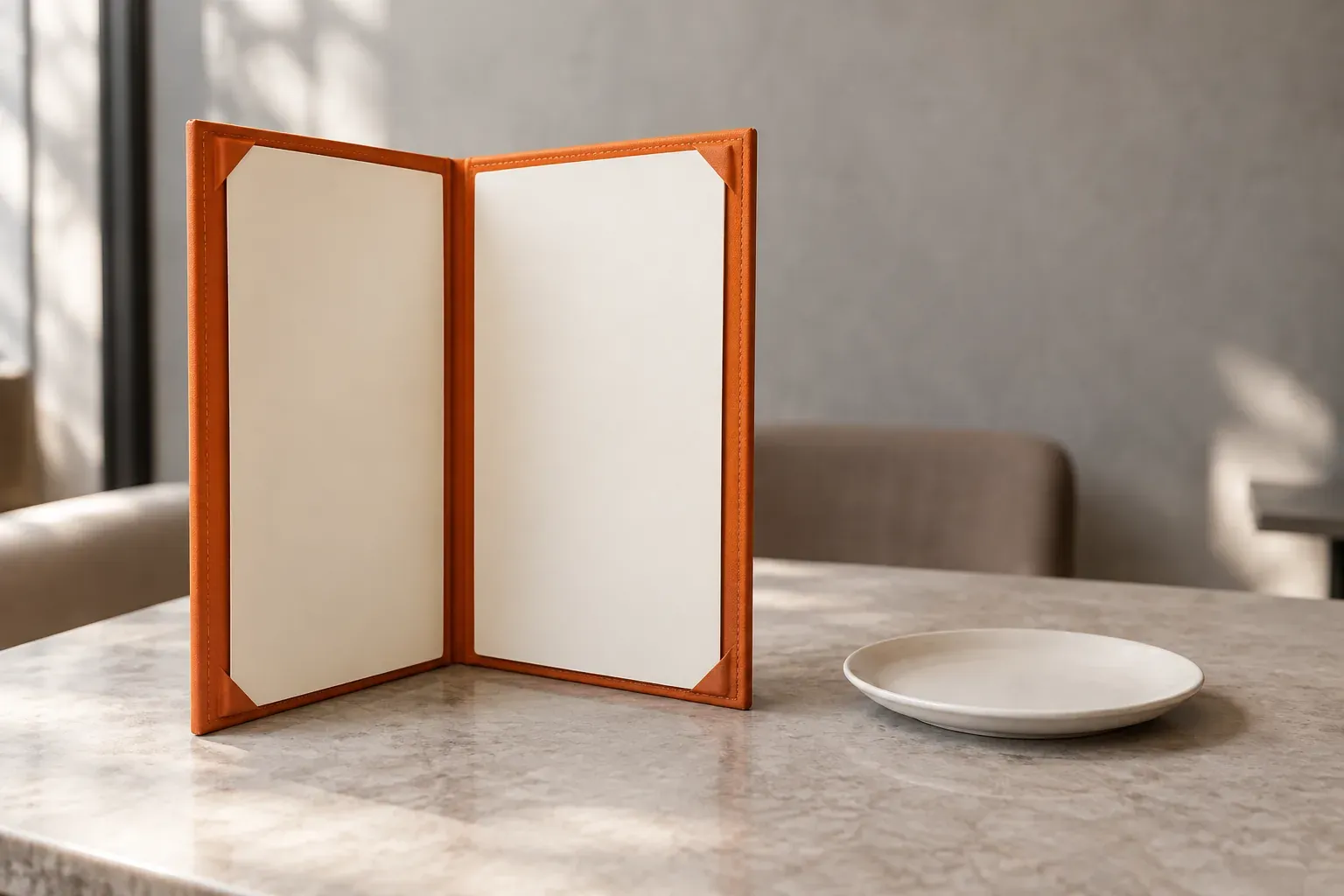
Someone is choosing a restaurant for dinner. They open your website on their phone to check the menu, prices and opening hours. Then they want to know where to park and whether they need to book.
That is a useful starting point for restaurant website design. Before choosing colours or animations, make those everyday decisions easy. Your website should help a guest plan a visit, not send them searching through social posts for the basics.
Put The Menu Within Easy Reach
Give “Menu” a clear place in the navigation. People should not have to guess whether it is hidden under “Our Story” or “Discover”.
Show dishes, descriptions and current prices as readable webpage text. Group them into useful sections, such as breakfast, mains and drinks. On a phone, guests should be able to read without pinching and zooming.
A downloadable PDF can be a useful extra, but avoid making a large file or a photograph of small print the only way to browse. If lunch and dinner menus differ, say when each is available.
Decide who updates the menu when a dish or price changes. A beautifully presented menu is not much help if the restaurant is serving something different.
Help People Arrive At The Right Time And Place
Put the address, opening hours, directions and contact details together. Check that the map pin leads to the right entrance, especially if the restaurant is inside a mall or shares a building.
Explain practical details that are easy to miss: which floor you are on, where guests can park and whether there is a step-free entrance. Only list facilities your team has confirmed.
If the kitchen closes before the restaurant, show the last-order time separately. Make temporary closures or holiday hours visible before someone sets off.
Keep your website and Google Business Profile consistent. Google provides a separate setting for special opening hours, so holiday changes need not replace the usual schedule.
Make Booking Clear, Not Just Prominent
Use a button that describes what happens next. “Book A Table”, “Call The Restaurant” and “Send A Booking Request” are different promises.
If reservations happen through an external booking service, link directly to the correct restaurant or branch. Guests should not have to start their search again after leaving your website.
If a form or WhatsApp message only sends a request, explain that the restaurant still needs to confirm it. Do not show a message that suggests a table is reserved when nobody has checked availability.
For a walk-in-only restaurant, say so. A clear policy is more useful than a booking button the team cannot support.
Show What A Visit Feels Like
Choose photographs that answer real questions. What does the food look like? Is this a relaxed lunch spot or somewhere for a special occasion? What is the seating like?
A few current photographs of your own dishes and dining area can do more useful work than a large gallery of similar images. Avoid stock photographs that create expectations your restaurant cannot meet.
Keep the main details accessible without waiting for a video or slideshow. Photography should help guests choose, not stand between them and the menu.
Give Each Branch Its Own Details
If you run several outlets, let people choose a branch before booking or requesting directions.
Each branch page should bring together its address, hours, contact details, menu and booking link. Do not assume every outlet serves the same dishes or accepts reservations in the same way.
Name branches clearly. “Puchong” tells a guest more than “Outlet Three”. Check that every button keeps the selected branch in context, including when it opens another website.
Make Routine Updates Straightforward
Agree who handles menu changes, holiday hours and expired promotions before the website launches. That person should be able to make ordinary updates without rebuilding a page.
Ask to try those tasks during the handover. Can they replace a menu item, change its price and remove an old offer without disturbing the layout?
Remember the information beyond your website too. Google Business Profile supports menu details and a menu link. Include those in the same update checklist so guests do not find conflicting versions.
Test A Real Visit Before Launch
Open the website on a phone and try these tasks:
- Find a dish and its price.
- Check whether the restaurant is open on the day you want to visit.
- Get directions to the correct branch.
- Make a reservation or find out how walk-ins work.
- Contact the restaurant with a question.
Test the links and confirmation messages, not just the appearance of the pages. Ask someone unfamiliar with the restaurant to try too. Notice where they hesitate.
A good restaurant website gives guests enough confidence to take the next step. If you are planning a new site, talk to us about its design. Start with what your guests need to know before they arrive.
Website PlanningContent StrategyUser Experience
How To Build A Product Catalogue Customers Can Actually Use
Plan a digital product catalogue with clear specifications, useful filters, current downloads and an enquiry process that helps customers explain what they need.
26 Sept 2026 · 3 min read
What Makes An Investor Relations Website Useful?
Plan an investor relations website around current information, clear document archives and a publishing process your corporate communications team can manage.
20 Sept 2026 · 3 min read
Plan An Intranet Your Team Will Actually Use
Plan an intranet around the tasks your staff need to complete. Define content ownership, access, useful search and a manageable first launch.
6 Sept 2026 · 3 min read
Website Navigation That Helps Customers Find Their Way
Review your menu labels, page structure and mobile navigation. Help visitors find relevant information without making them learn your organisation chart.
4 Sept 2026 · 3 min read
