One-Page Or Multi-Page Website: How To Decide
7 Aug 20264 min read
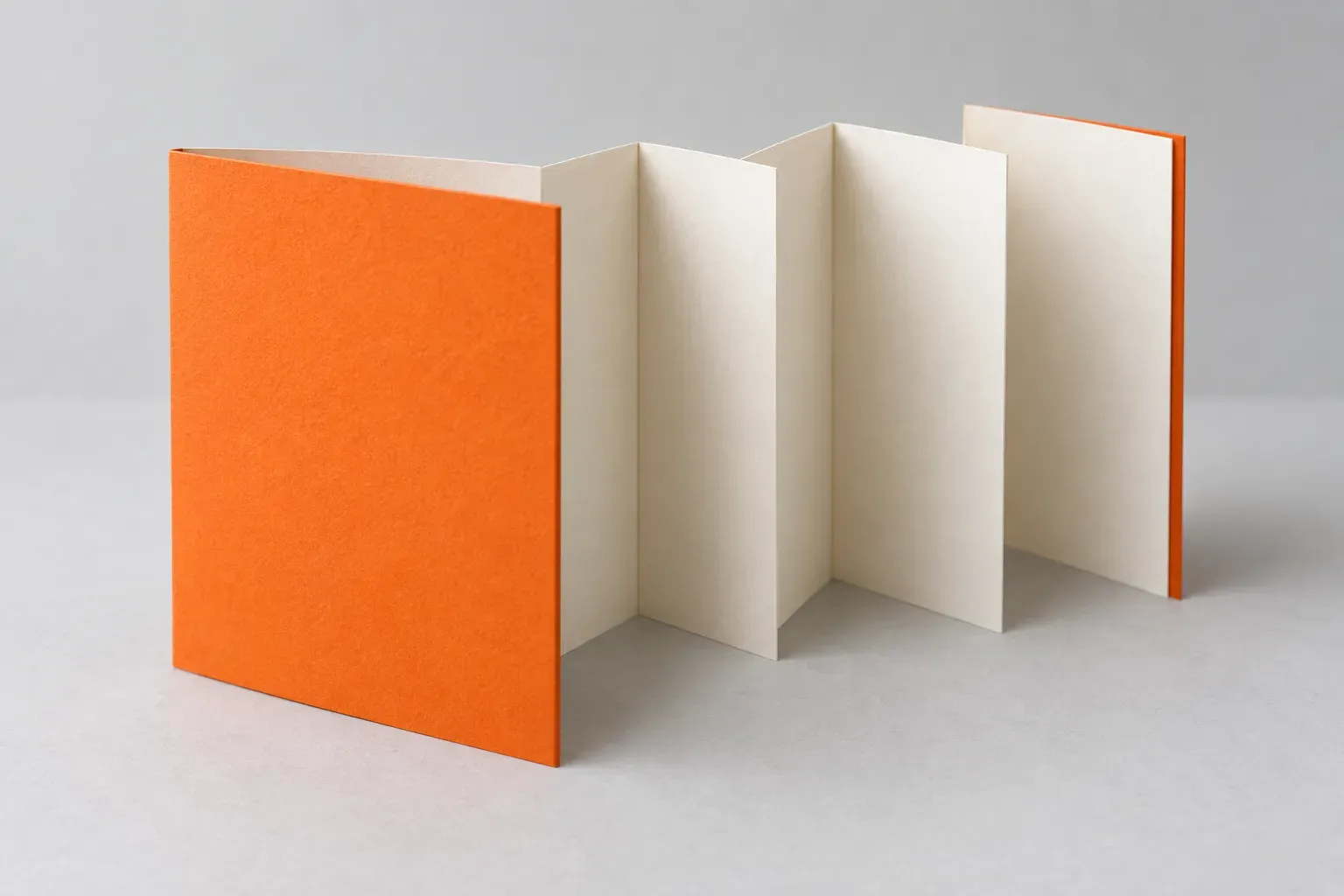
A one-page website can work when customers need one short explanation and one clear next step. A multi-page website is usually easier to organise when you offer different services, serve different audiences or need room for detailed information. The right choice follows the customer's questions, not a fashionable layout.
Imagine a small event with a date, location, programme and registration link. Those details may sit comfortably on one page. Now imagine a business selling equipment, spare parts and maintenance. Customers need different information for each, so putting everything into one long page can make finding the right answer harder.
Start With What People Need To Decide
Before counting pages, list the things a visitor needs to know before contacting you. Include the questions your sales team keeps answering.
Group related questions together. A service overview, what is included and a relevant example may belong together. Recruitment information probably does not belong in the middle of that explanation.
For each group, ask whether someone would reasonably want a link directly to it. If your team regularly sends prospects to a specific service or project, a dedicated page can be useful.
Compare The Two Approaches
| Consideration | One-page website | Multi-page website |
|---|---|---|
| Main purpose | One focused offer or introduction | Several distinct offers or visitor tasks |
| Sharing information | Link to the page or a section within it | Send a direct link to a specific topic |
| Amount of detail | Keep the journey short and focused | Give important topics their own space |
| Future updates | Simple when the scope stays small | Easier to add distinct sections without lengthening one page |
| Editorial upkeep | One page still needs checking | Assign owners so separate pages stay consistent |
Neither structure guarantees an easy-to-use website. A short page can be confusing, and a larger site can be straightforward when its navigation follows familiar customer language.
When One Page Is Enough
A one-page approach can suit a focused campaign, an event or a straightforward business introduction. It should still explain the offer, give relevant reassurance and make the next step clear.
Keep section links visible on a long page so people do not have to scroll through everything again. Test whether a visitor arriving halfway down can still understand where they are and what to do.
One page does not mean every supporting item must be squeezed into it. Privacy information or detailed terms may still need separate pages. A campaign page can also sit inside a larger company website. Our guide to when to use a landing page covers that separate decision.
When Separate Pages Make More Sense
Use separate pages when the questions differ meaningfully. A manufacturer might need a page for each product range, a document library and service information. An education provider might separate courses, admissions and visiting information.
That gives visitors a relevant starting point rather than asking everyone to begin at the top of the homepage. It also lets your team update a particular offer without reshaping the whole introduction.
Avoid creating pages that contain little more than a repeated paragraph. Each page should earn its place by answering a distinct need.
What About Search And Mobile?
More pages or more words do not automatically produce better search rankings. Google's guidance explicitly says it has no preferred word count.
Separate, useful pages give you room to explain different topics clearly. Connect them with descriptive links that help people find the next relevant answer. A one-page site can still be discovered in search; the limitation is how much distinct information it can comfortably carry.
Both formats can work on a phone. Check text size, menus, image weight and the enquiry journey in the actual design. A long page full of large images is not automatically lighter than several carefully built pages.
Make The Decision Before The Design Grows
Use this short planning exercise with your team:
- Write down the main customer questions.
- Group them into distinct topics.
- Mark the topics your sales team needs to share directly.
- Identify who will keep each topic current.
- Test the proposed structure with someone who does not already know your business.
Choose the smallest structure that answers those questions properly, with room for the changes you can reasonably foresee. If a one-page site later needs to expand, agree how existing links will be preserved rather than starting again without a migration plan.
Unsure how to organise your next website? We can help shape the website design around the information your customers need. Discuss Your Website With Us.
Website PlanningWeb Design

How To Write Website Content People Can Use
Turn customer questions into clear website content. Use direct answers, practical examples and a simple review process without adding sales jargon.
5 Aug 2026 · 4 min read

How To Choose A Web Design Company For Your Business
Compare web design companies with useful questions about scope, relevant work, content, ownership, handover and the support you will need after launch.
24 Sept 2026 · 3 min read

When Does Your Campaign Need A Landing Page?
Decide whether your campaign needs a landing page or an existing website page. Plan the message, proof, enquiry form and follow-up before you build.
16 Sept 2026 · 3 min read

Website Navigation That Helps Customers Find Their Way
Review your menu labels, page structure and mobile navigation. Help visitors find relevant information without making them learn your organisation chart.
4 Sept 2026 · 3 min read
